Pruse CORE One+ (Gen 2) INDX: A Match Made In Heaven!


Disclosure: The CORE One+ (Gen 2) INDX was provided to me by Prusa3D free of charge for the purpose of this review. I have not received any other compensation. All opinions expressed are my own, and Prusa3D has had no influence on the content of this review.
Unboxing
Packaging Quality
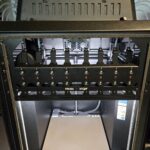
As I recently mentioned in my CORE One L+ review, Prusa has once again offered some really nice packaging for their CORE One+ (Gen 2) INDX. It is sturdy, efficient, and minimizes the use of foam.
-
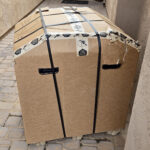
- Prusa Core One + INDX Box
-
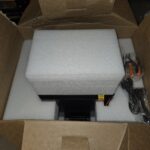
- First opening
-
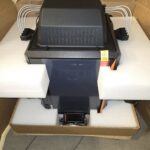
- Secure Packaging
-
- Initial Power On
Assembly/Build Quality
With some improvements over the original CORE One, I can say this is still top-notch build quality. While I do miss the thicker aluminum buildplate of the CORE One L+, the CORE One+ (Gen 2) INDX is really sturdy, and with the added INDX tool mount bar in the front, it is noticeably more stiff than my original CORE One.
First Print and Impressions
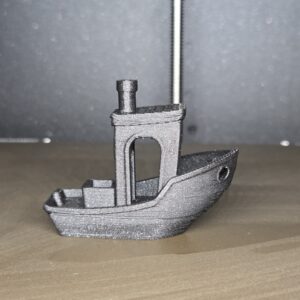
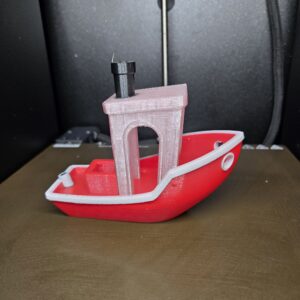
My first print was the included PLA Benchy print. However, I should have known better. It is very hot here, and the results were not quite what I was expecting. So, I went ahead and sliced up a 4-color Benchy in PETG and was definitely blown away. Now, this PETG Benchy is at 200% scale, but it is one of the smoothest I have ever printed, and fastest at that size, taking only 4 hours to print with all the tool changes.
-
- INDX 1st print, PLA
-
- INDX 2nd print, PETG
Hardware and Specs
As a modification of the CORE One, the CORE One+ (Gen 2) INDX loses a bit of the original build volume (250 x 220 x 270mm) with a 248 x 205 x 270mm build volume. So, with those INDX tools at the front, you are sacrificing some of the X and Y axes, but in return, you’re getting capability for up to 8 colors/materials.
Of important note, the INDX tools are usable up to 300°C, and the buildplate can still achieve 120°C, resulting in up to a 55°C chamber temperature.
Software and UI
The CORE One+ (Gen 2) INDX has the same familiar UI as all the other Prusa products. I’ve said it before: it feels a bit dated compared to its competitors’ touchscreens that feel more like a smartphone, but this UI is very intuitive and works very well. I personally still love this UI and its familiarity.
Most of my printing was done while testing Prusaslicer 3.0.0 alpha. While this is an alpha version of their slicer, I have really come to enjoy the new UI, and overhaul of the slicer. For me, it loads faster, slices faster, and overall feels more modern and intuitive. Of course, there are some missing profiles and features, but it’s been a good experience so far.
Test Prints and Performance
Print Examples
-
- Tardis Container, PETG
-

- Sub 1mm Text, PETG
-
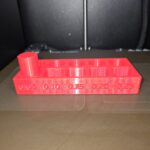
- Single Color Tolerance Test, PETG
-
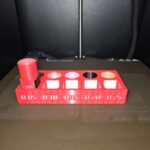
- All 8 Colors Tolerance Test, PETG
-
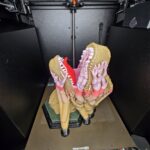
- T-rex Bust, 5 Colors, PETG
-
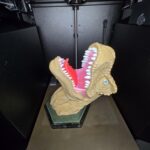
- T-rex Bust, 5 Colors, PETG
-
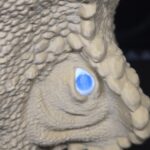
- T-rex Eye, 5 Colors, PETG
-
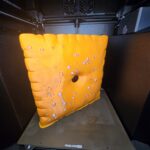
- CheezIt 3D Scan Model, PETG/PC
-
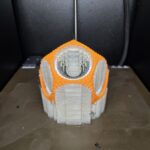
- Ultimaker Gyro, Soluble Support PETG
-
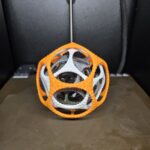
- Ultimaker Gyro, PETG
-
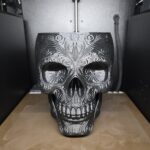
- Halloween Candy Bowl, ABS
-
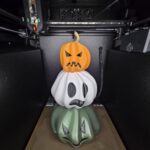
- Stacked Pumpkins, PETG
-
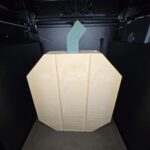
- Wood Textured Pumpkin, PETG
-
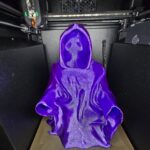
- Halloween Decoration, PCTG
-
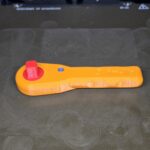
- Classic NASA wrench, PETG with Red PC.
-
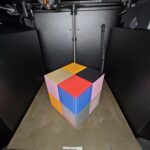
- Nozzle Alignment Test, PETG
-
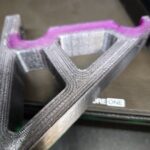
- MultiMaterial Print, Clear PETG, Pink TPU, Black PC.
-
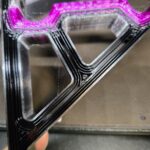
- MultiMaterial Print, Clear PETG, Pink TPU, Black PC. – Internal view.
-
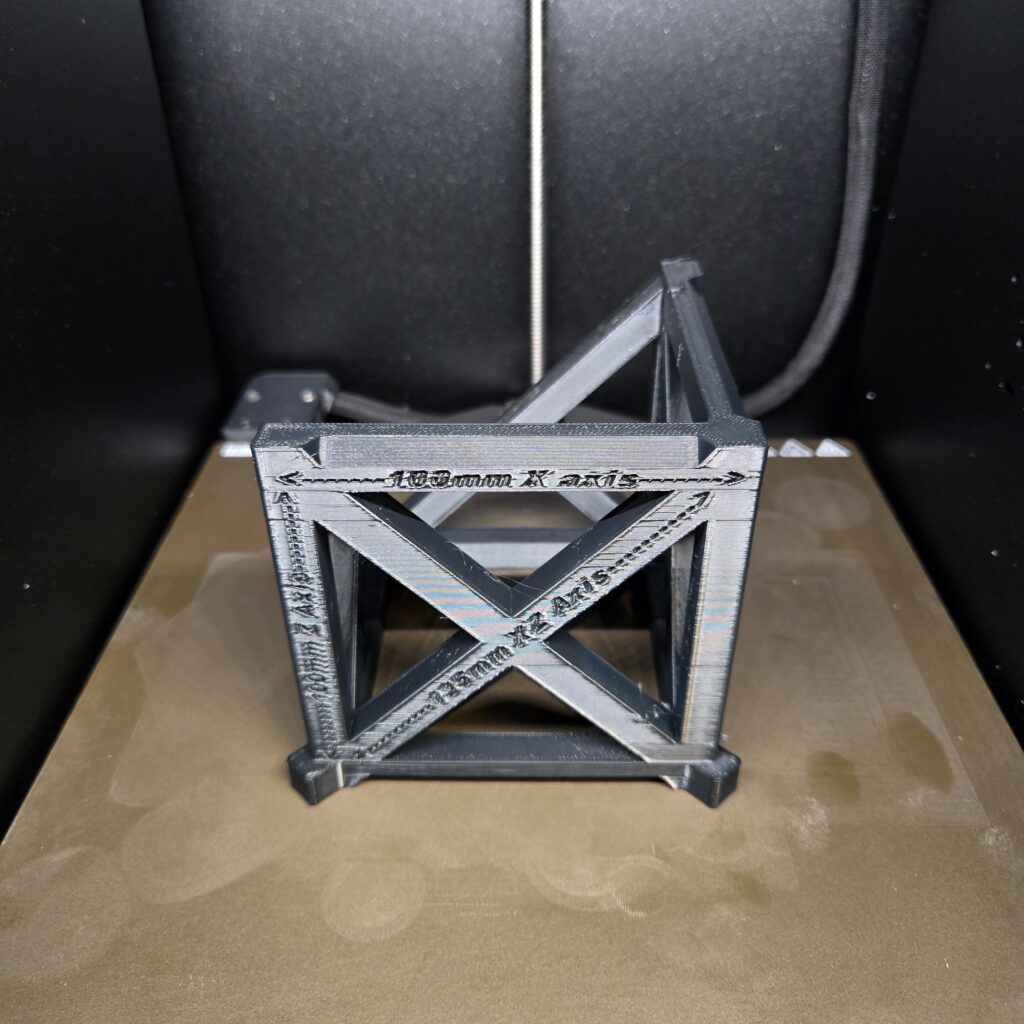
- Accuracy Test Results (Black PC): X Measurement: 99.95 of 100mm Y Measurement: 99.93 of 100mm Z Measurement: 99.94 of 100mm XZ Measurement: 134.75 of 135mm YZ Measurement: 134.80 of 135mm XY – A Measurement: 149.87 of 150mm XY – B Measurement: 149.90 of 150mm
While not the best result I have achieved, this was printed in black polycarbonate, a significantly more difficult and less dimensionally accurate material compared to my traditional PETG. Of course, this was also printed with PrusaSlicer 3.0.0 alpha. So, this profile being one that I made, I can definitely tune it more to increase the accuracy.
-
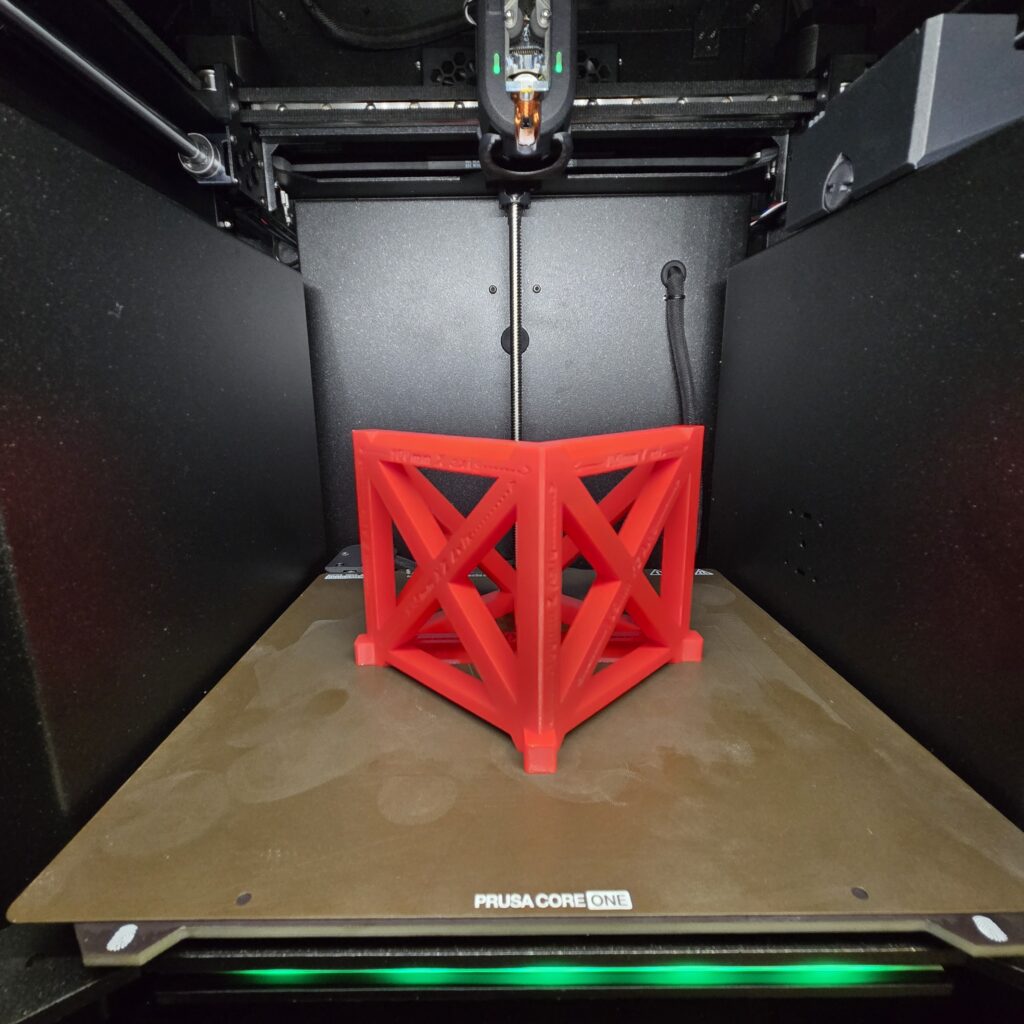
- Accuracy Test Results (Red PETG): X Measurement: 99.98 of 100mm Y Measurement: 99.97 of 100mm Z Measurement: 100.02 of 100mm XZ Measurement: 134.97 of 135mm YZ Measurement: 134.98 of 135mm XY – A Measurement: 150.00 of 150mm XY – B Measurement: 149.98 of 150mm
Actual Print Speed
I am very happy to report that this is where some real improvement has been made. The INDX system has a much higher flow rate (~40mm^3/s compared to ~12-15mm^3/s of the original), enabling much faster overall printing. I have been happily printing PETG at 200-250mm/s at 0.2mm layer heights.
Actual Material Capabilities
Of course, this printer is compatible with most filaments, such as PLA, PETG, ABS/ASA, PA6/12, TPU, PEBA, PC, etc. Where things get a bit different is talking about reinforced polymers. This is colloquially known as Nozzlegate. And, while I don’t fully agree how severely some are taking this, it’s worth mentioning. The INDX nozzles are supposed to come as “hardened” and fiber-reinforced ready. I have asked Prusa about this and this is what they had to say:
“Regarding fiber-reinforced materials, our testing indicates a resistance of roughly 10 kg of PETG-CF and 5 kg of PC-CF.”
This is what I would expect from a “hardened” nozzle system, personally. To get longer lasting, or potentially permanent, resistance to fiber reinforcement, I have always expected to buy a Ruby- or Diamond-reinforced nozzle, or even Tungsten nozzles. However, this has caused a bit of a disturbance in the Prusa community. So, with that being said, I did not want to test reinforced polymers on my unit, just because I didn’t want to wear out any of the nozzles until suitable diamond tipped replacements were ready.
Speed vs Quality
Noise Level
The Prusa CORE One+ (Gen 2) INDX is again one of the quieter CoreXY printers I have seen. With minor peaks around 60-63db and valleys around 40-42db, I am averaging ~52 dB. While a bit louder than the CORE One or CORE One L+ I have, the increased noise is worth the much faster print speeds.
Reliability and Maintenance
Even though the CORE One+ (Gen 2) INDX is a very new machine, I have had only one issue in my printing. A toolhead fell off the track while a print was happening, but that was my fault, as I bumped into it trying to reach behind it, and not the machine’s fault. I am happy to report that, once the printer paused, and I remounted the tool, it resumed with no issue and no sign it had even paused and resumed. I am impressed with how well it resumed after a potential failure. This is the only failure I have had so far with over 30 days of printing time and 12,000+ tool changes. I know that isn’t the highest number of tool changes, but I don’t typically print with more than 2-3 materials. However, I am absolutely loving adding colored text versioning to all of my models.
As with all the other Prusa printers, you can maintain, replace, modify and upgrade basically every part of this printer. And, as Prusa develops new upgrades, you can easily implement them with cheaper kits and individual parts, rather than buying a whole new printer.
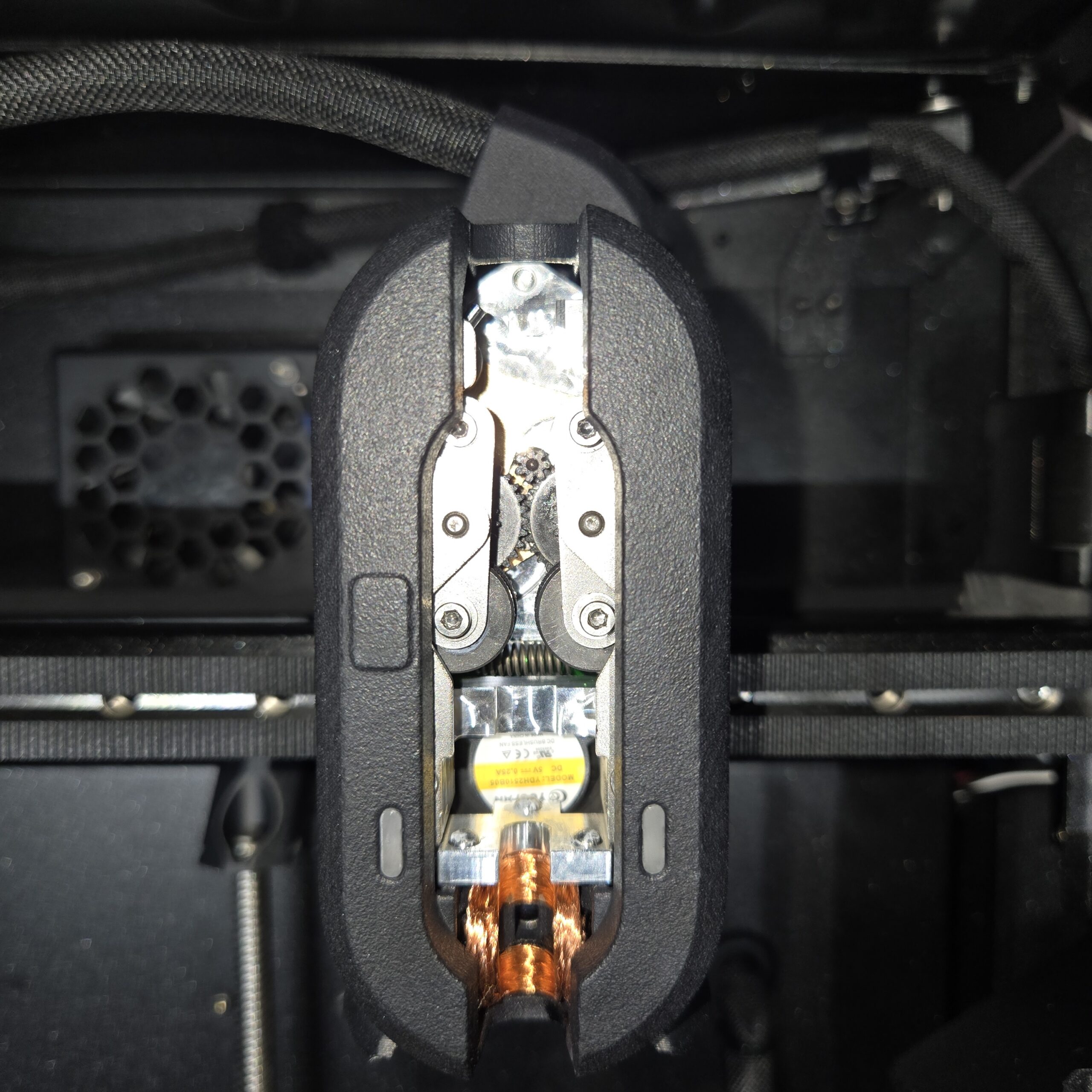
INDX Toolhead
Cost and Value
I won’t sugar coat this: at $2,249 for the assembled version and $1,949 for the kit, the CORE One+ (Gen 2) INDX with 8 tools is an expensive printer. But, the amount of material and time savings, and the option to use up to 8 materials and colors in a single print, give it an edge of the competition.
-
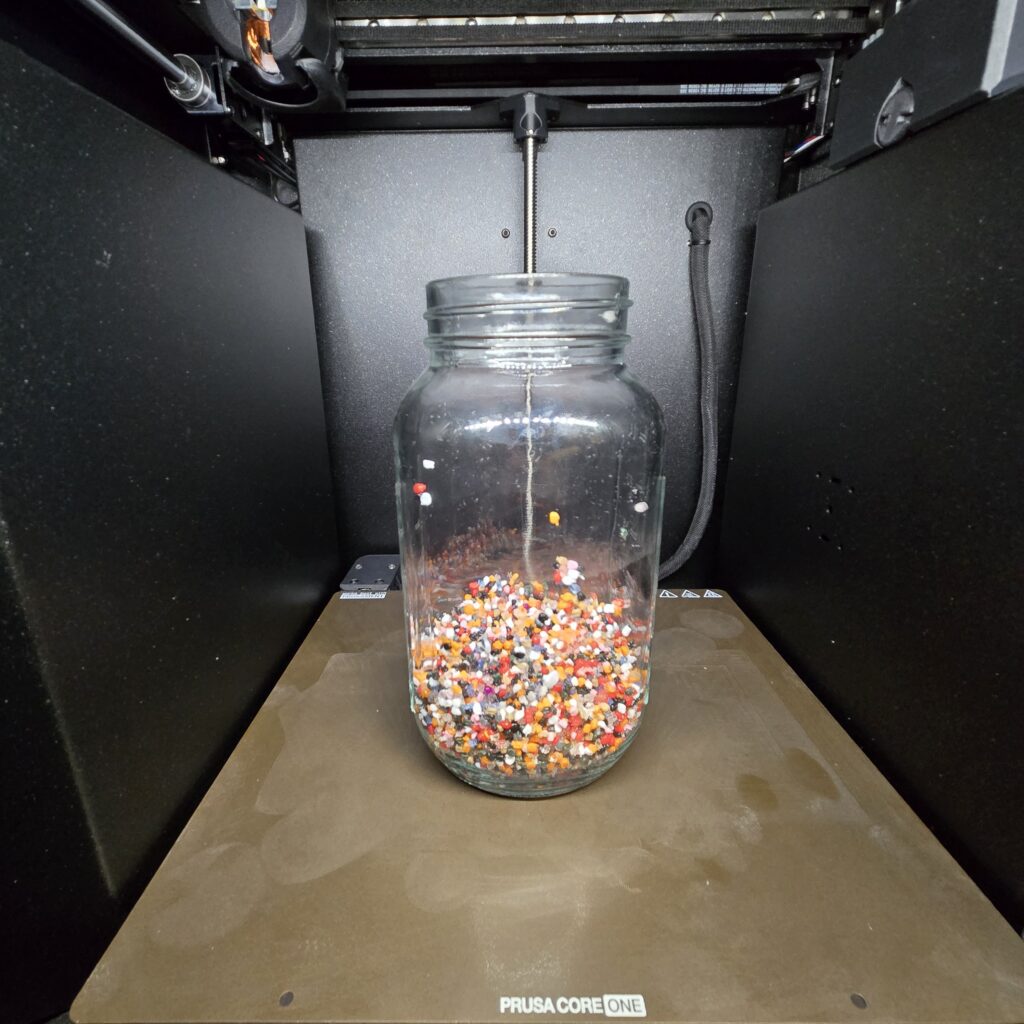
- Total amount of purge waste from all builds (~300 grams).
So, who is this for?
The CORE One+ (Gen 2) INDX is for the enthusiast or business who prints a lot of multi color/multi material prints and wants to save time and money, while minimizing the purge volume compared to traditional material management options. This is a reliable workhorse that has gone through tens of thousands of tool changes and dozens of kilos in printing. Built on the original CORE One platform (mine has a couple thousand hours of runtime at this point), you’re getting something that just works, now with significantly added capability.
Pros
- Up to 8 colors or materials
- Print speed is vastly improved
- Purge volume is reduced substantially
- Maintainable, repairable, upgrade-able
- PrusaSlicer 3.0.0 is coming and it brings welcome changes
Cons
- Slightly smaller build volume
- New technology, might need adjustments and fine-tuning over time
- INDX is a complex mechanism
- Pricey upfront
Summary
The Prusa CORE One+ (Gen 2) INDX is an exceptionally sturdy printer that trades a slightly smaller build volume for incredible print speeds and 8-color/material capability. Thanks to the new INDX system’s higher flow rates, I printed PETG at impressive speeds of 200–250mm/s, yielding one of the smoothest multi-color prints I’ve ever made in just hours, instead of days. It proved extremely reliable, features a vastly improved PrusaSlicer 3.0.0 alpha, and operates at an acceptable average noise level of ~52 dB. While expensive at $1,949 for the kit and $2,249 assembled, its modular repairability and massive reduction in purge waste make it a powerful workhorse for multi-material printing.
This is my go-to printer for anything with 2+ materials or colors. I can upload a file, hit print, and walk away. I can come back the next morning and just have my parts ready to go.
Featured image courtesy of Prusa3d
Subscribe to Our Email Newsletter
Stay up-to-date on all the latest news from the 3D printing industry and receive information and offers from third party vendors.
Print Services
Upload your 3D Models and get them printed quickly and efficiently.










You May Also Like
Prusa Research Releases New HT HOTEND
Prusa Research is offering a new hot end for its Core One 3D printers. The new high-temperature hot end can go up to 400 °C. The swappable hot end can...
IFA 2026 Shows Where Multicolor 3D Printing Is Headed
Innovation For All (IFA) is best known for televisions, appliances, and consumer electronics. But this year’s show in Berlin also gave 3D printing companies plenty of room to show where...
The Formlabs Shuffle
For the latest development on 8/31/26, please see an update at the end of this article. Formlabs is doing a management shuffle, pointing the firm even more surely towards an...
Low-Cost 3D Printed Balloon Banjo Explores the Physics of Resonance with Unique Sound Box
I’ve seen 3D printed guitars before; my favorite is Olaf Diegel’s Xenomorph guitar. I’ve even seen a 3D printed ukulele and some 3D printed violins. This is the first time...