PrusaSlicer 3.0 Review: A Major Slicer Overhaul

Prusa Research has implemented a major update to PrusaSlicer. The 3.0 version is not some tweak; it’s a big rewrite. From the get-go, the Alpha version I tested was light-years faster than previous PrusaSlicer versions. It just opens rather than urging you to get a coffee. It’s much more responsive, much easier to work with, much faster, and feels more intuitive. It’s easier to move around models and faster to try out different placements, settings, or layouts. The UI overall is brighter. It feels a lot calmer and more organized. There’s a light mode which feels calming on the eyes, and I like that very much.
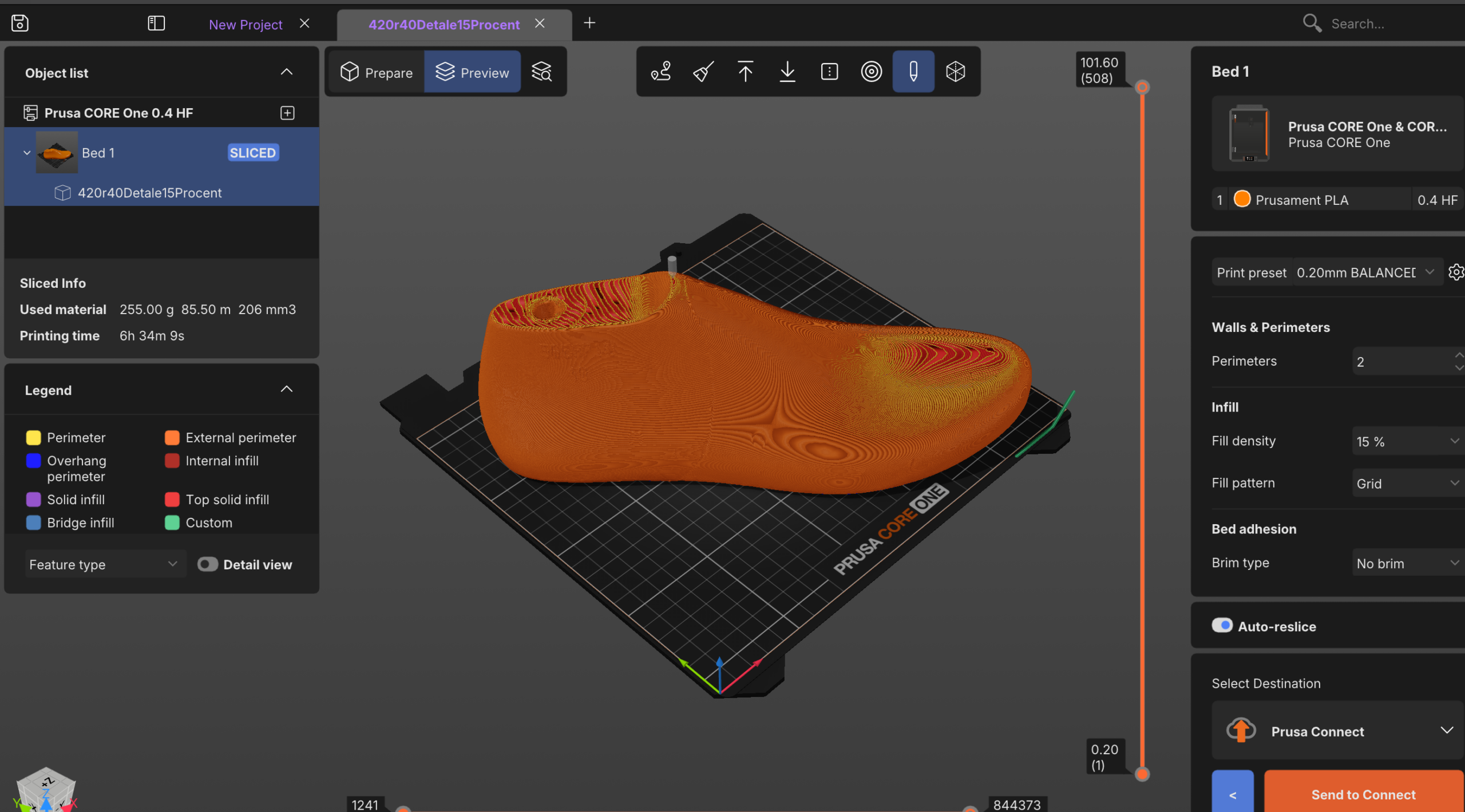
PrusaSlicer 3.0.
Switching between Printables, Connect, and the Slicer is an easy-to-find option in the far left column, which works very well indeed. That, and generally doing everything, is much more fluid and faster. Switching between build plates or printers is much easier as well. The right panel is much easier to operate and see, and it includes important, often-changed settings. I found this panel for Infill and the like much easier than the same information on the older version. Generally, after only a few minutes, I was getting lost a lot less in PrusaSlicer. You can also quickly switch between Prepare and Preview.
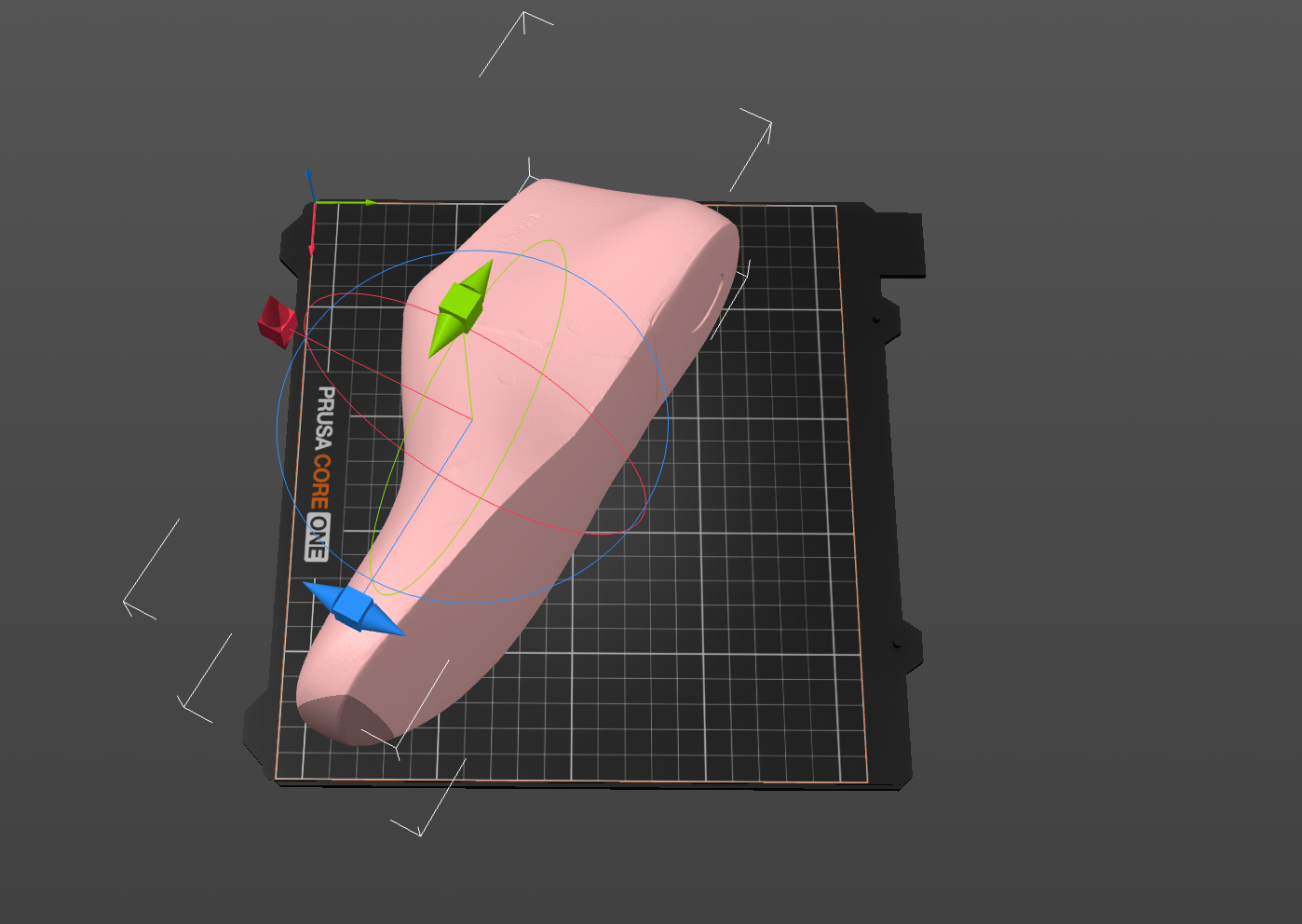
PrusaSlicer 3.0.
They also made it easier to slice, set up, and change a lot of different printers. You can open and switch between different projects without crashing everything. There are ways to compare presets. I can really see how you could work with a wide range of printers, profiles, and presets here. For multi-tool systems, the profile menus have been much expanded, which should enable more experimentation and work there as well. Generally, you could use this much more easily now to have different profiles specific to one part or production run. I think that profiles will now become much more useful as a feature. You could really use it to tweak one part family and then use it just intermittently. In older versions, presets were kind of a nightmare, and I often ended up using the wrong ones. This seems much easier to check and adjust now. There’s also a favorite settings panel that should be very helpful for people who switch workflows often.
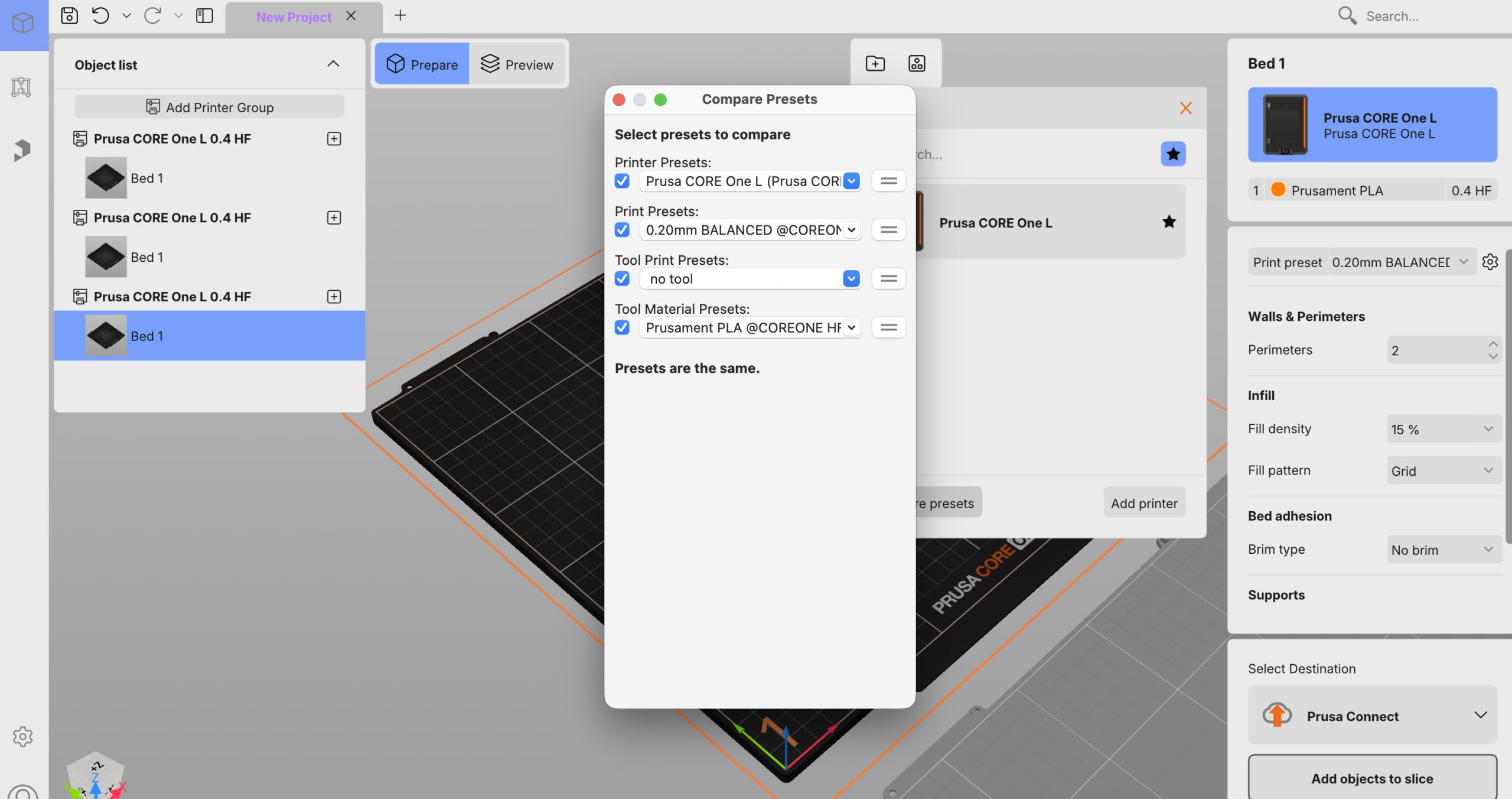
Reviewing the PrusaSlicer 3.0.
Slicing itself is quick even with big objects or doing a bunch of beds. It’s super-duper fast compared to previous versions. They’ve added a plugin marketplace. I still don’t know what will come of that, but this could enable super interesting nozzles or things like controls for new extrusion or build processes.
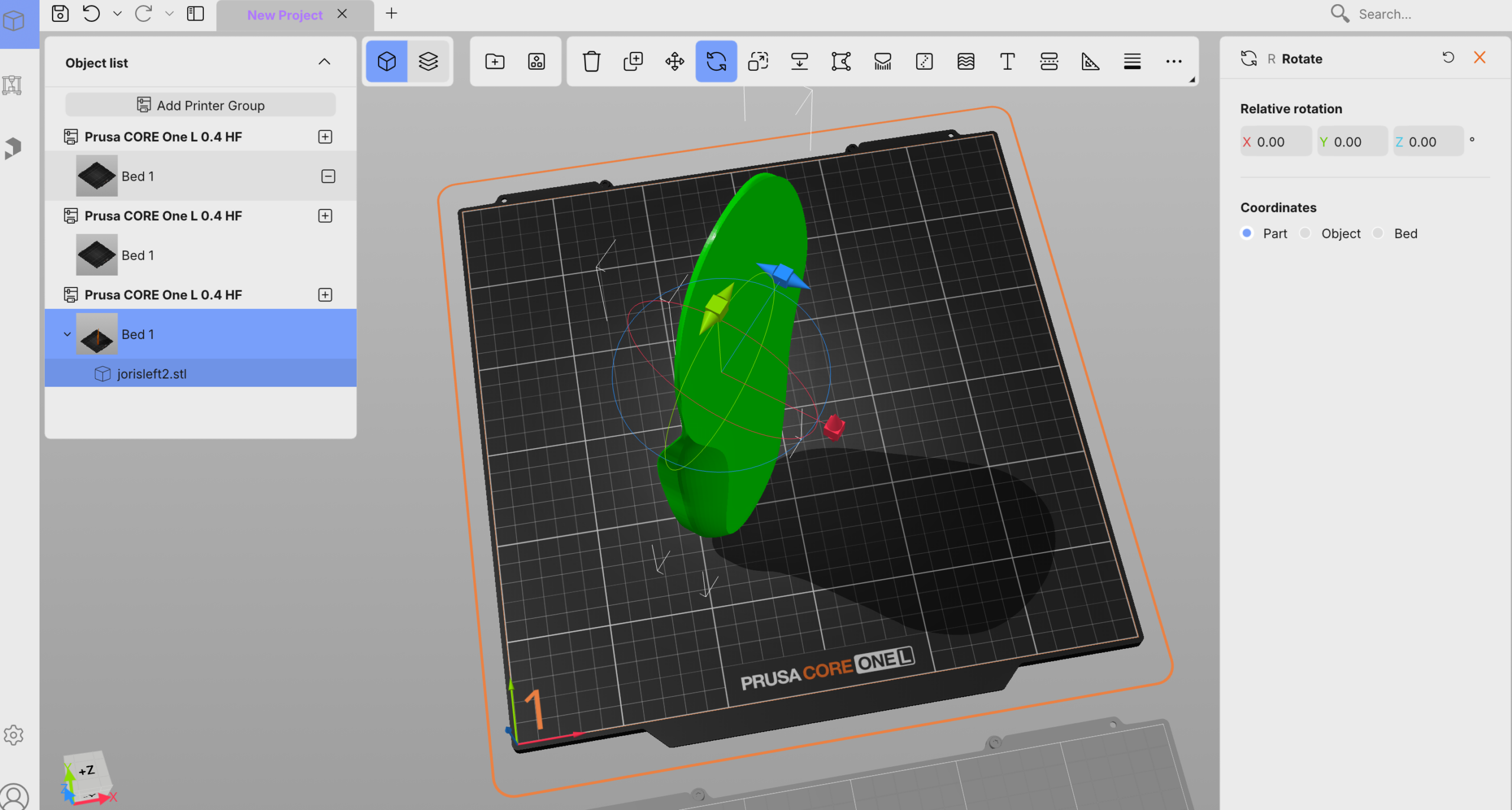
Testing PrusaSlicer 3.0.
This doesn’t feel like they’ve moved the furniture around. They’ve done a rebuild here, a renovation of this product. This feels like it could be a real control tool for someone running a bunch of different systems or very complex builds. The UI is much better overall, with shading not only added but also useful for seeing where parts are cut off. Colors work but are also useful as well. Looking at the part through the layers and settings is much easier. And making changes in walls, for example, and seeing effects is also much easier.
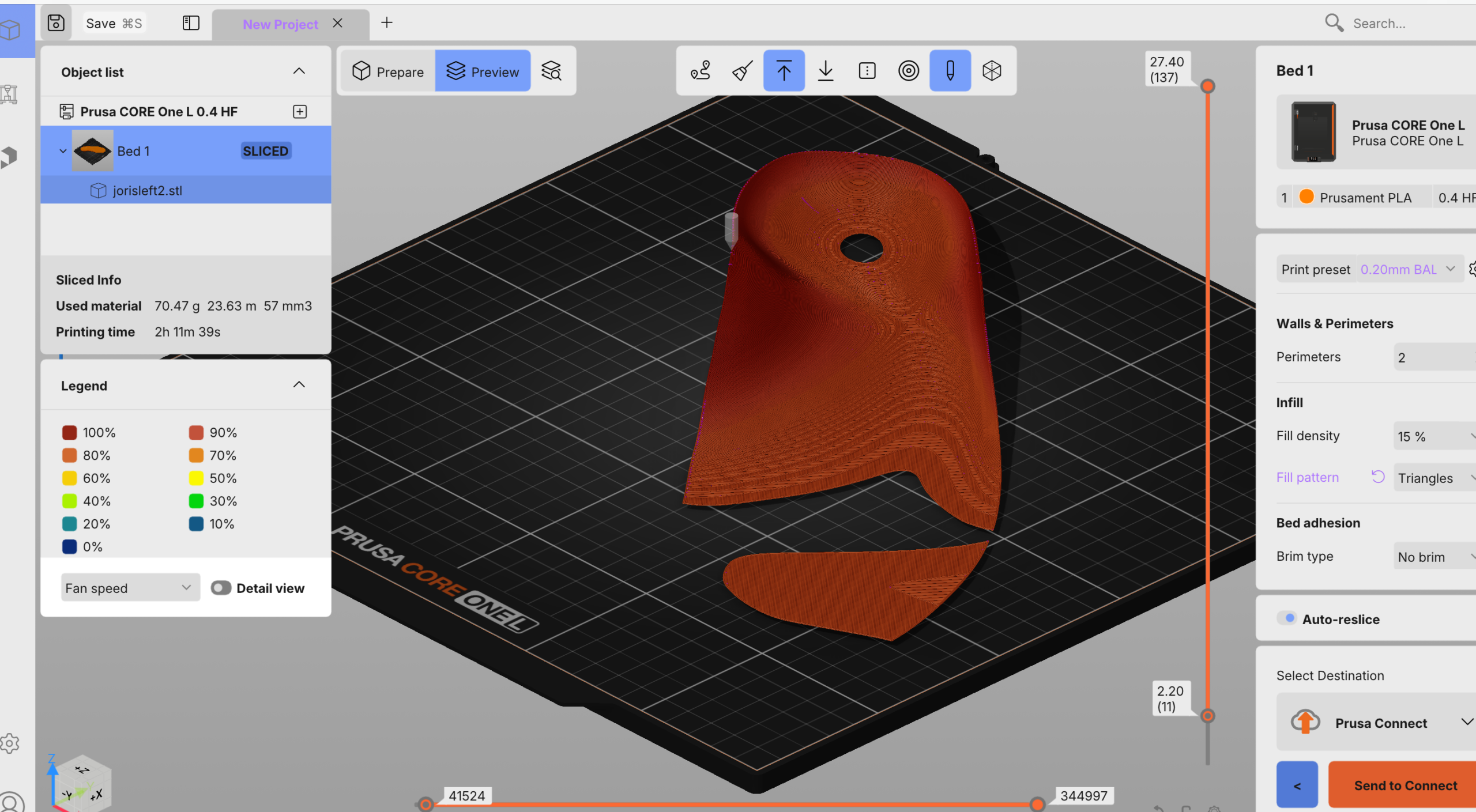
PrusaSlicer 3.0.
A great update for defense and aerospace firms is a complete offline mode. This should help forward-deployed people as well as those on the production floor at defense firms work with the software. Overall, the tool looks much better. It’s so much faster, and so much better to work with, that I’m really quite happy with it. Rather than an adjustment period, I think you can just jump right in and feel at home.
On the whole, it’s really much, much better. PrusaSlicer 3.0 also remains open source under the AGPLv3 license, continuing the licensing model used by previous versions. Prusa says it could have separated the extensively rewritten GUI from the slicing backend and closed-source it, but chose to keep it open.
Images courtesy of Joris Peels/3DPrint.com
Subscribe to Our Email Newsletter
Stay up-to-date on all the latest news from the 3D printing industry and receive information and offers from third party vendors.
Print Services
Upload your 3D Models and get them printed quickly and efficiently.









You May Also Like
UniFormation S10 Heads to Kickstarter with an Integrated Resin Printing and Post-Processing System
UniFormation will launch its S10 desktop resin 3D printer on Kickstarter on October 22, 2026, with pledges starting at $999. The S10 integrates printing, washing, and drying, allowing a print...
Creality Goes Pro with Sermoon P1S 3D Scanner
From making millions of value-engineered Prusa clones, Creality really has aggressively pivoted to more complex machines. The company has made strides forward in software, and the Ender’s of yore is...
Stratasys Showcases 3D Printed Automotive Applications & New Printer at IMTS 2026
Just ahead of last week’s International Manufacturing Technology Show (IMTS) in Chicago, Stratasys launched the F870, a new large-format, production-grade FDM 3D printing platform designed to drive industrial manufacturing at...
Creality Launches SPARKX i8 on Indiegogo, Bringing Fastest, No-Purge-Waste Printing
Creality announces the launch of the multi-color 3D printer SPARKX i8 on Indiegogo, at an early-bird price of $309 (MSRP $399) starting from Sept. 21. Designed for ultimate user experience,...