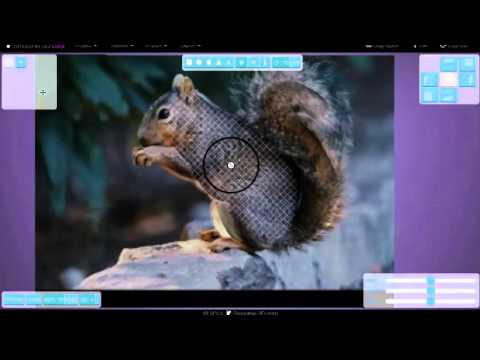
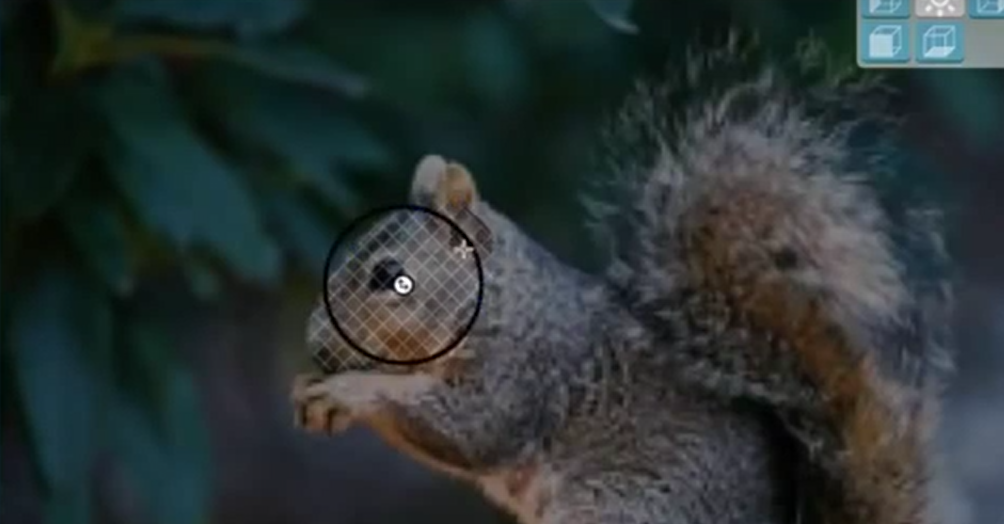
First you will want to familiarize yourself with software options like your Extrude Tool in your CAD software or any other software that you decide to use including MeshMixer, Blender, or SketchUp. Since photographs are two-dimensional, your extrude tool adds a third axis that creates new geometry for a 3D model. Smoothie 3-D is free online software that allows you to create a 3D model from even one photograph that can be symmetrically replicated. (See photos and video using squirrel photo below.) You have a few options here if you only have a few photos to work with. You can use solutions described for one photo (Smoothie 3-D), you can check out 3D modelling software like ZBrush or Sculptris, or you can seek help with your model from a 3D designer.
What if you want to create a 3D model from photos, but you haven’t taken the photos yet? There are some definite things you can do to optimize this process. The trick here is to use photogrammetry, which is a technique that captures a series of points in space from a series of photographs. You simply take photos of an object from many angles and then upload them into photogrammetry software to generate a file to 3D print. A digital single
Sculpteo also recommends other helpful software programs like 123D Catch, Memento, Photoscan, and Acute 3D to help prepare your 3D file. Once you have your 3D file, you simply need to print it, and Sculpteo recommends printing your model using full-color sandstone material so you can get the best print job possible.
Now that we’ve reviewed available software programs and photography techniques for ensuring the best quality photos, you should have a much easier time converting your 2D photos into printable 3D models. Is this a process you are interested in trying out? Discuss in the 2D Photos to 3D Prints forum over at 3DPB.com.