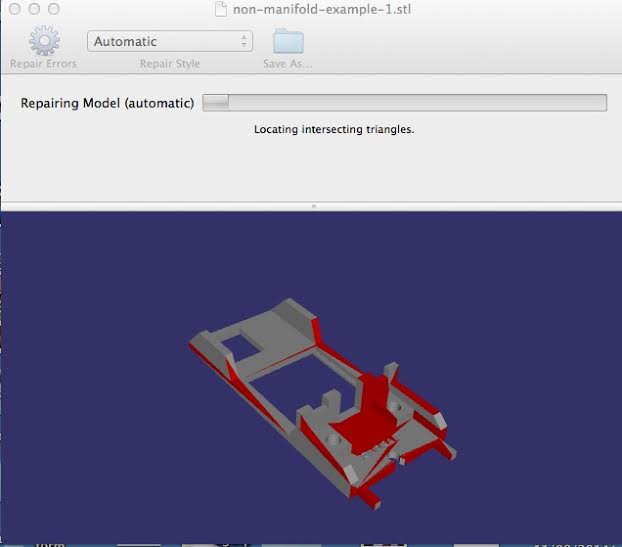
In December 2014, Wyoming’s Avante Technology introduced Emendo, an automated file repair software that promised to fix your files quickly and easily with just the push of a button. This week, the company is releasing Emendo Version 1.1, which Avante states is 10 times faster and just as accurate – a rare combination, according to the Avante team. With most software, they say, you’re forced to choose between speed and accuracy, but Emendo gives you the best of both.
“Emendo uses discreet math to provide more accurate repairs than the leading brands that use floating point calculations,” said Bob Zollo, President of Avante Technology. “With larger, complex files, the rounding errors resulting from floating point calculations add up and can cause serious problems with the file. Floating point calculations run faster, at the expense of precision.”
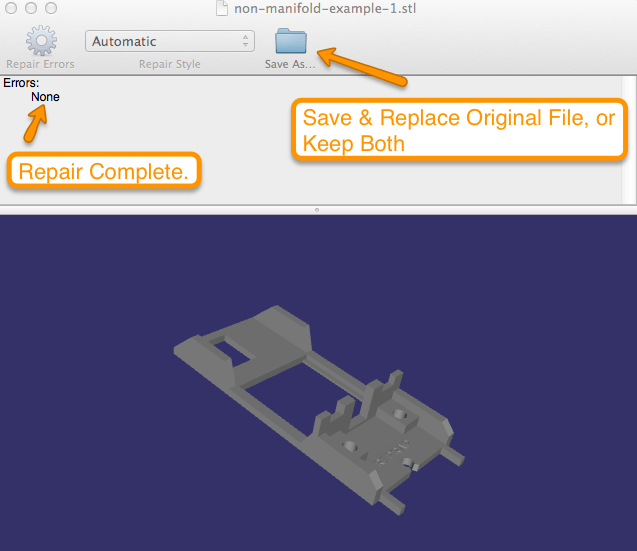
Emendo 1.1 offers two modes of operation to accommodate different types of STL files. The default Surface Reconstruction mode, designed for CAD files, is a sharply precise algorithm that repairs the seven types of commonly occurring errors in CAD models – which other repair software does as well, but without the collateral errors caused by floating point calculations. Lattice Reconstruction mode works on “mashup” files created with multiple components from different source applications, as well as any particularly tricky CAD files not fully repaired by Surface Reconstruction mode.
Like the original version, Emendo 1.1 is ridiculously easy to use – just open it up, double click on the file you want to repair, and Emendo goes to work, checking and validating the file and displaying any errors as different colors on the rotatable 3D rendering of the file. Click repair, and Emendo repairs – simple as that.