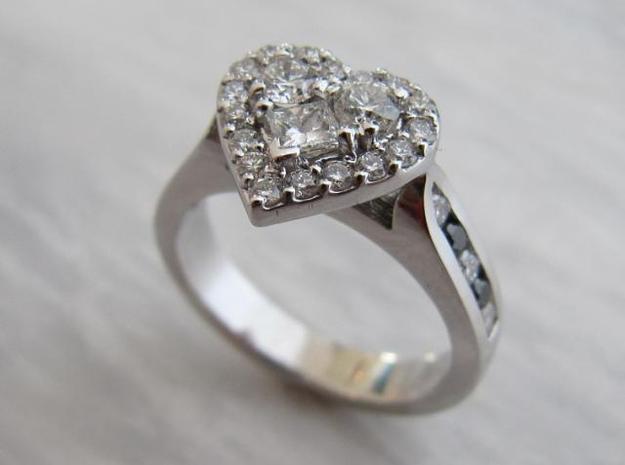
For this reason, Shapeways has many base styles and materials to choose from (you provide the stone), with some at incredibly affordable prices. Still don’t see a setting or bands that will work for this most special of occasions? That’s all right. Two more Shapeways blog posts from Dan Ko take us through the steps to design your own ring or bands, so the pressure is off, and you can relax.
Since the engagement ring comes before the wedding bands, we will begin there. Ko, who works for Shapeways, reports that it took him 4 months from start to finish to design and have the ring printed and the stone set. But guess what? That time was worth it; he got an amazing ring for about 50% cheaper than it would have been at a major brand name retail store.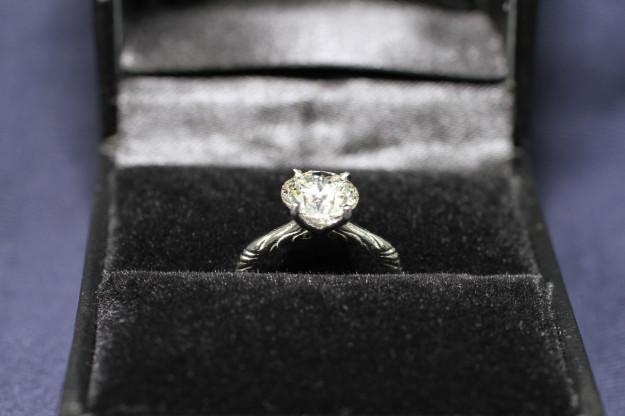
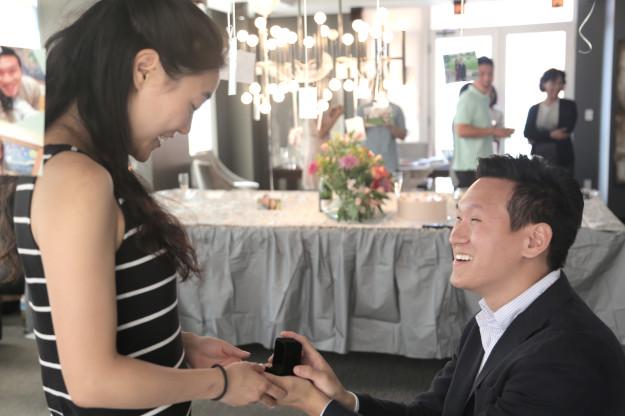
Here is a list of Ko’s steps. If you follow them closely, hopefully you too will have a successful proposal and a fiancée overwhelmed by your thoughtful customized engagement ring. First, Ko found an excellent 3D designer, and he knew what kind of rings his girlfriend (now wife) Jen liked. For him, this was easy since she had a Pinterest board filled with engagement ring styles. Next, Ko talked to a reputable jeweler about setting the stone, and then, once the ring design was clear and the designer and jeweler were on board, he pulled the trigger and bought the stone. After that, Ko got busy iterating and then prototyping the design.
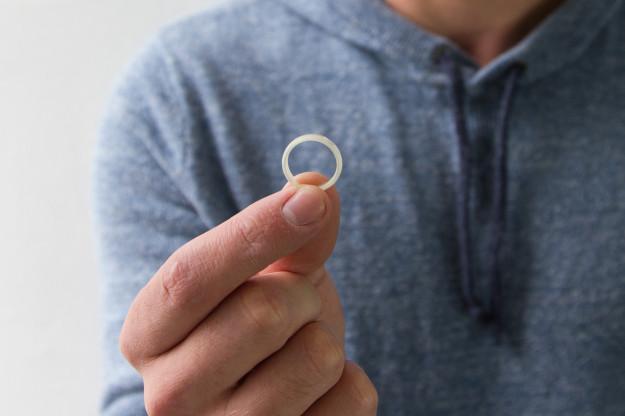
Next, Ko worked on 3D printed wedding bands. Ko’s Shapeways tutorial on the process covers all of the steps. He writes:
“The approach I took in making this ring was to sketch a cross section of the ring, and then revolve it around a central axis to make it into a ring. First you’ll want to create the profile of your ring in a sketch. I used the top plane.”
There are more steps Ko took to finish the ring profile, and then he created a new sketch with a line segment for his axis of rotation. Next he used the revolve tool to rotate the ring profile around the axis, creating a ring. He played around with the radius value, adding some fillets on the ring’s inside and outside edges for comfort. Once he did all that, he right clicked on the model tab to export the design in high detail as an STL file, then uploaded it to Shapeways and placed the order!
Getting married is one of the most important things you’ll ever do in your life, and Dan Ko’s expert advice on nailing those perfect 3D printed jewelry details will surely be a big help if you are considering going the 3D printed ring/bands route. Would you enjoy shopping for a wedding ring at Shapeways? Discuss in the 3D Printed Shapeways Wedding Rings forum over at 3DPB.com.